Appointment software with automatic reminders
StudioReminder's Reminder feature helps reduce absences and tardies with automatic sending and orderly management of confirmations.
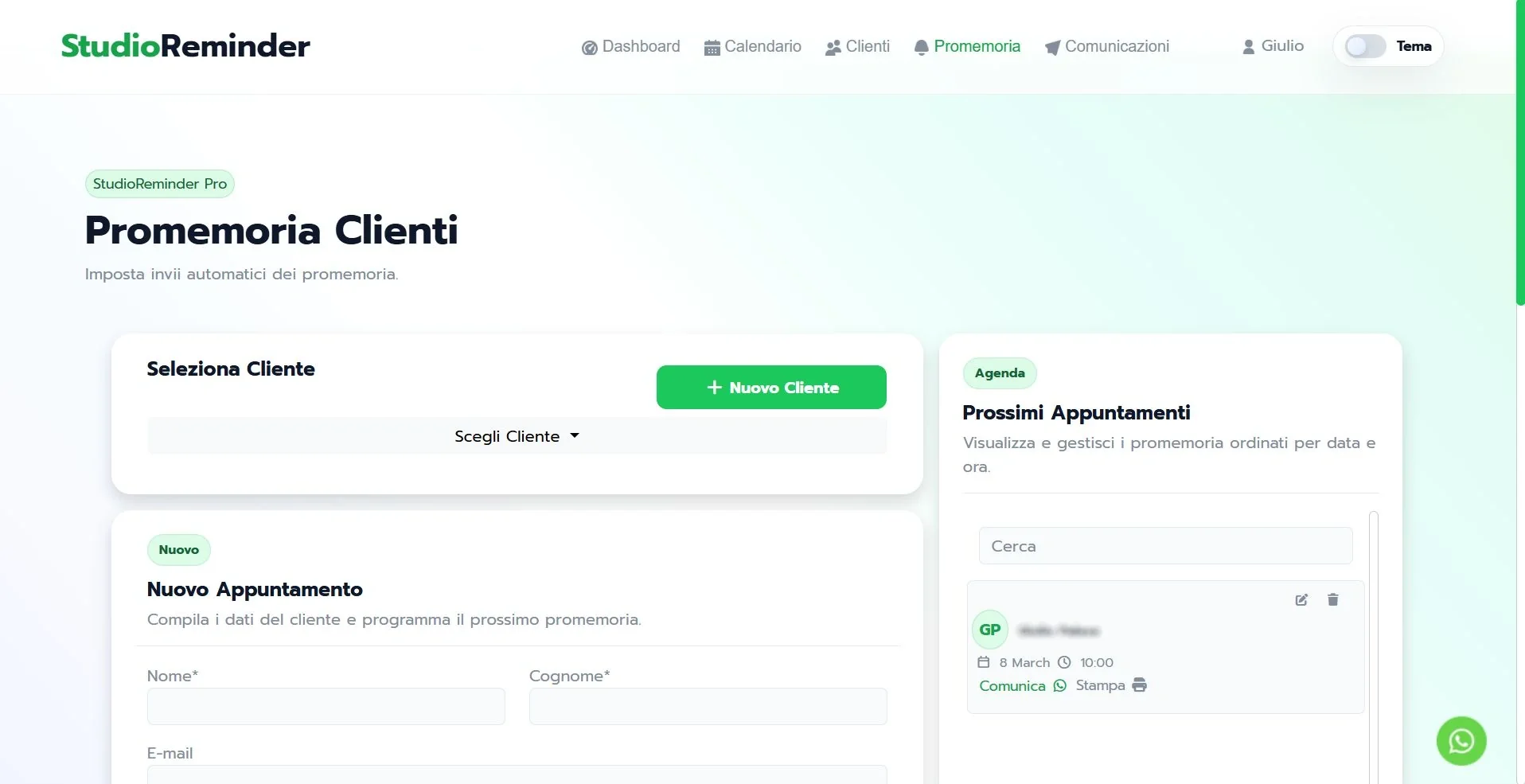
Reminder screen
Quick view of the Reminders section with automatic sending and operational status of appointments.
Remember every appointment without manual work
With the Reminder function, you enter the appointment once and leave the software with the task of sending the message at the right time. The customer receives the reminder before the meeting via WhatsApp or email, with a clear flow even on days with many close slots.
The practical advantage is not only automatic sending: you also have an orderly view of confirmations, rescheduling and missed appointments. This reduces repetitive steps and makes the organization of the day more predictable.
For businesses that work by appointment, automatic reminders represent the starting point for reducing no-shows, maintaining continuity and improving the quality of customer contact.
How to read no-shows and use them usefully
The no-show flag feature isn't just a label: it helps you distinguish occasional absences from recurring behaviors. When no-shows are consistently tracked, you can understand which customers need a closer reminder or earlier confirmation.
This data also improves operational decisions. You can modulate slot times, set different recall strategies and reduce the number of gaps in the agenda without increasing the administrative burden.
In practice: the reminder reduces absences, while the marked no-show makes you understand where to intervene to continuously improve the appointment flow.
How to use reminders in appointment software strategically
Many businesses use the reminder only as a courtesy message. In fact, when the flow is set up well, it becomes a planning tool. The first benefit is reducing uncertainty: you know more in advance which appointments are solid and which require attention. This helps reception, secretarial or professional to better distribute time during the day.
The second benefit concerns the quality of the data. If you consistently mark confirmations, moves and no-shows, after a few weeks you have a concrete basis for deciding on better rules. For example, you can vary the time at which the reminder is sent for some types of customer, insert an additional contact for the most critical cases or optimize reminders where absence is more frequent.
In summary, an appointment software with automatic reminders is not just for sending a text before the meeting. It serves to build a replicable process: less improvisation, more control over the agenda and greater continuity in the relationship with the customer.
Full day view
See appointments, confirmations, rescheduling and availability at a glance.
Learn more about calendarMultiple mailings to customers
Recurring messages and informational communications from the same appointment software.
Learn more about communicationsHistory and follow-up
Customer record, contact history and operational management in a single flow.
Learn more about customersGoogle Calendar and Outlook connected in one flow
Learn more about integration, use cases and operational processes to reduce errors, duplicates and no-shows.
Complete synchronization guide
Complete overview of two-way synchronization between StudioReminder, Google Calendar and Outlook.
Open the complete guideGoogle Calendar integration
Connect your calendar and appointments to Google Calendar with continuous synchronization.
See Google integrationOutlook Calendar integration
Manage Outlook calendar and appointments from the same operational flow.
See Outlook integrationAvoid double bookings
Practical strategies to avoid overlaps between internal agenda and external calendars.
Read moreAlign your practice agenda and external calendars
Operational method for keeping appointments, changes and cancellations aligned.
Read moreCase study with real results
Concrete data on no-shows, management times and error reduction with active synchronization.
Read case studyTurn on automatic reminders in your appointment software
Try StudioReminder for free and see in the field how punctuality, confirmations and control of marked no-shows improve.