Appointment software with integrated customer communications
StudioReminder's Communications feature allows you to send multiple, recurring messages to customers while maintaining order and traceability.
Communications screen
Overview of the Communications section with multiple, recurring sends and message history.
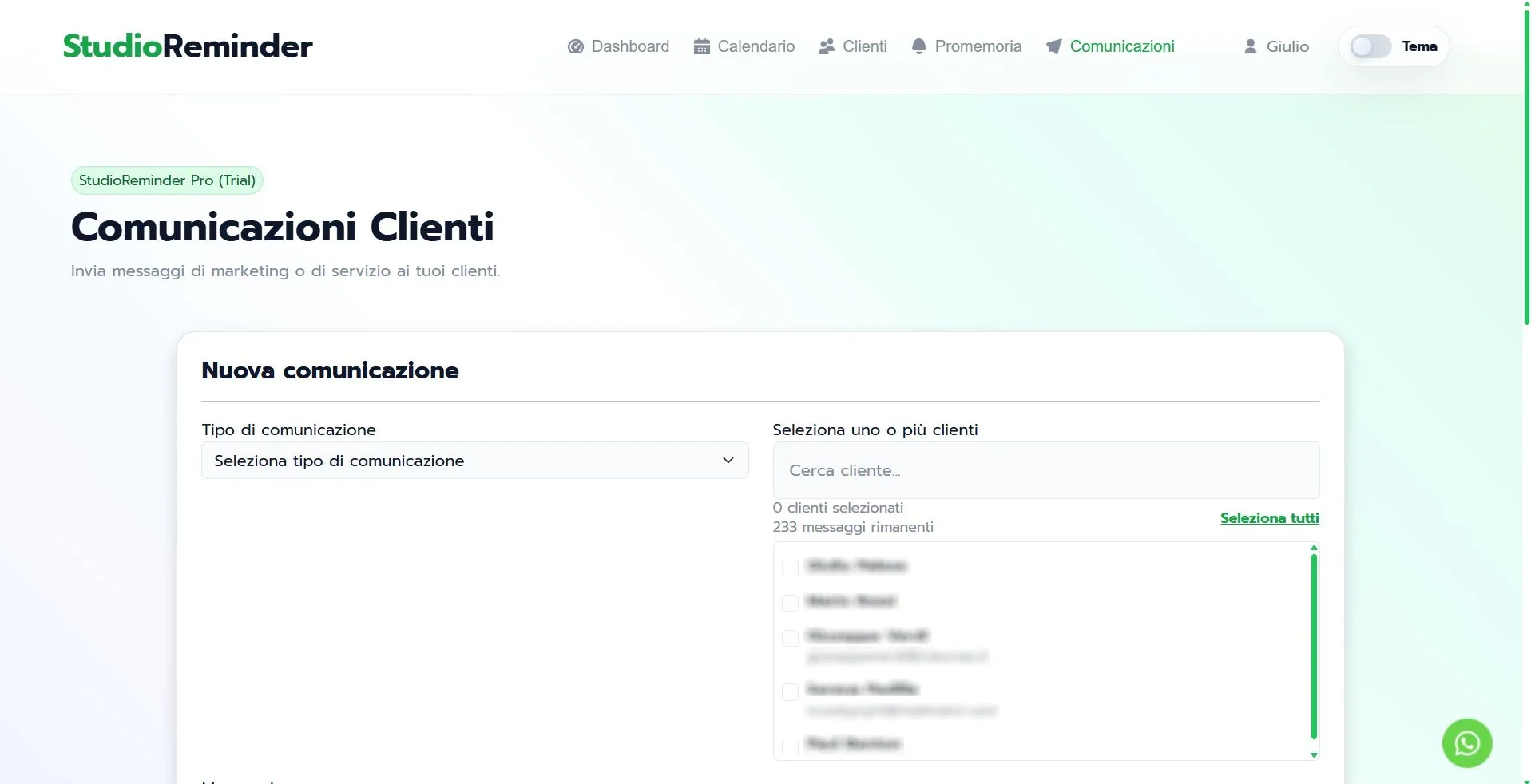
Talk to more customers without losing control
In working by appointment, communications are not just promotional: they are often used to update opening hours, confirm availability, recall inactive customers or inform about operational changes. Doing this manually on individual chats is time consuming and messy.
With StudioReminder you prepare the message only once and send it to groups of customers in an orderly manner. Communications remain in the same appointment software where you already manage the calendar and customer cards, so the context is not lost.
The result is a cleaner flow: less copy-paste, fewer unnecessary steps and greater consistency between appointment scheduling and communication.
Reduce no-shows with automatic messages
Integrate mass messages with timely reminders before the appointment.
See reminderAgenda updated in real time
From communications you immediately move on to slot planning.
See calendarSegment more precisely
Use the client record to send messages that reflect their history and priorities.
See customer managementCustomer communications: not just marketing, but operational management
In many situations, communication to customers is done when there is urgency, without a stable process. This generates inconsistent messages, forgotten messages and difficulties in understanding what has already been communicated. An appointment software with a communications section helps to avoid this scenario: define the message, the recipient group and the moment of sending in a clear and repeatable way.
There are two practical benefits. You save time because you do not have to start from scratch each time you send a message. You also improve client relationships: clients receive more timely, coherent information that matches their needs. This applies to promotions, service updates, regular reminders and information about appointments.
When communications, calendar and customer records remain in the same environment, every action becomes more readable even after some time. This is where appointment software creates value: less operational dispersion, more continuity in customer flow.
Google Calendar and Outlook connected in one flow
Learn more about integration, use cases and operational processes to reduce errors, duplicates and no-shows.
Complete synchronization guide
Complete overview of two-way synchronization between StudioReminder, Google Calendar and Outlook.
Open the complete guideGoogle Calendar integration
Connect your calendar and appointments to Google Calendar with continuous synchronization.
See Google integrationOutlook Calendar integration
Manage Outlook calendar and appointments from the same operational flow.
See Outlook integrationAvoid double bookings
Practical strategies to avoid overlaps between internal agenda and external calendars.
Read moreAlign your practice agenda and external calendars
Operational method for keeping appointments, changes and cancellations aligned.
Read moreCase study with real results
Concrete data on no-shows, management times and error reduction with active synchronization.
Read case studyEnable customer communications within your appointment software
Try StudioReminder for free and see how much time you recover with multiple and recurring sendings integrated into the appointment flow.